Independent, hands-on guides · Updated October 2026
Choose the right WordPress LMS plugin, from people who actually tested it
We install each plugin, build a real course, buy it as a student and finish it. Then we tell you what the free version really does, what costs extra, and when to pick something else.
- Real screenshots from our own test install
- Prices checked on the vendor’s site, with the date
- No sponsored reviews
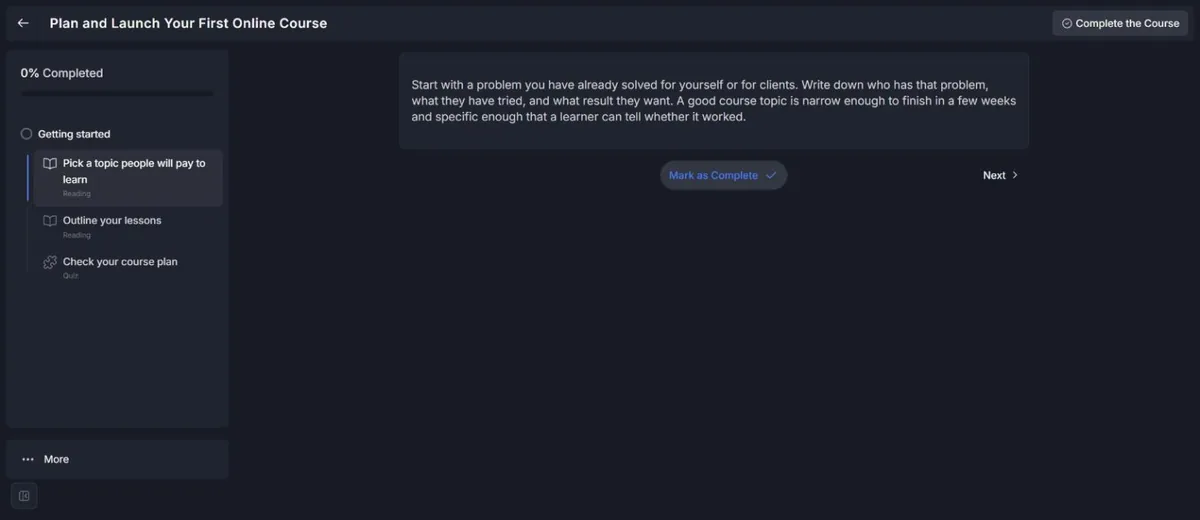
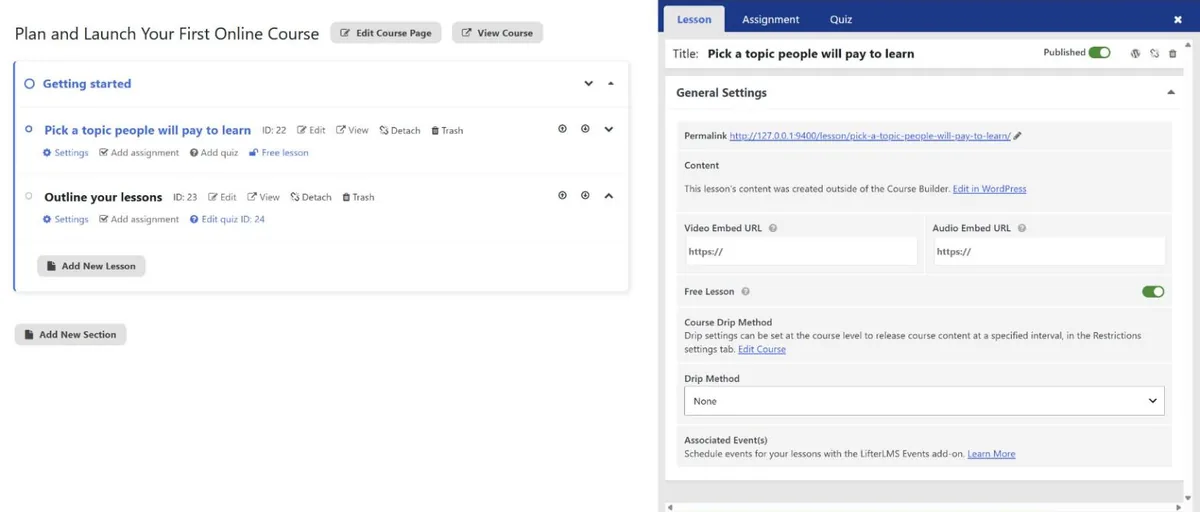
Screenshots from our Tutor LMS and LifterLMS tests
Latest reviews and guides
Hands-on review
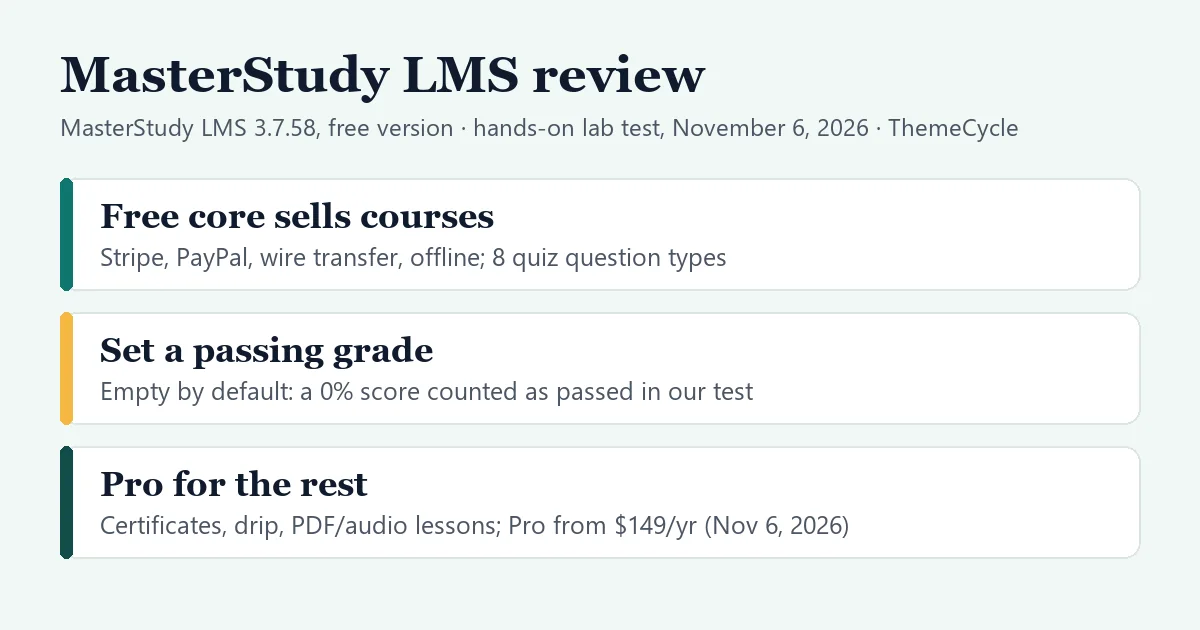
MasterStudy LMS review
The free core sells courses with four payment methods; set a passing grade first, and expect Pro for certificates and drip.
Hands-on review
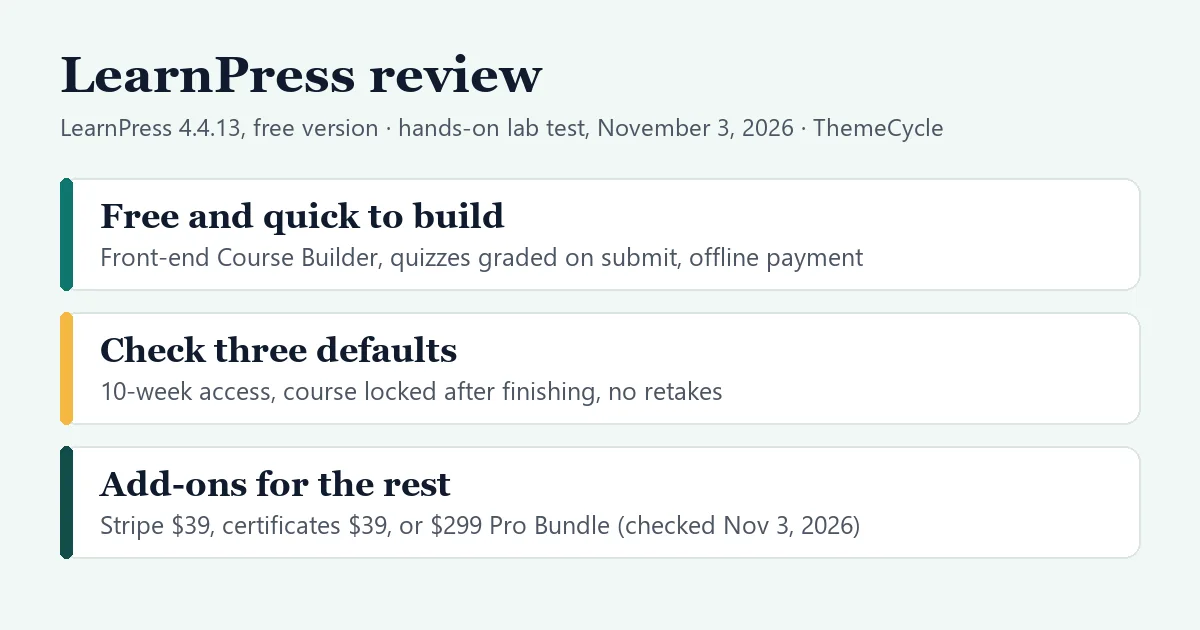
LearnPress review
Fast front-end course builder and offline payments for free; check three course defaults, and budget for add-ons.
Hands-on review
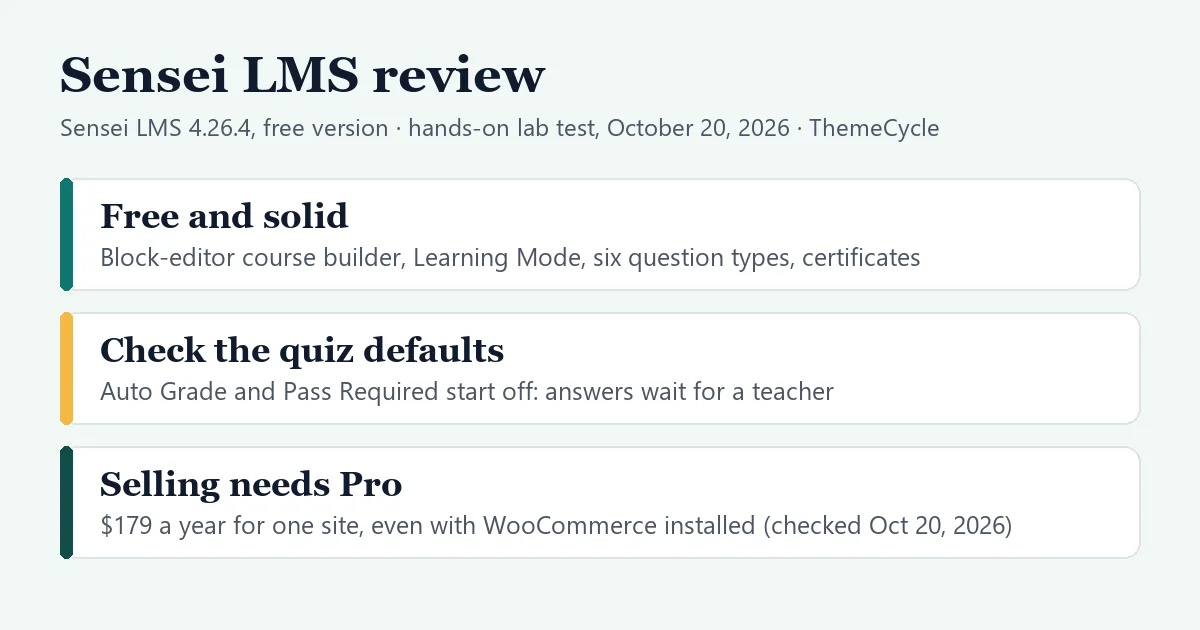
Sensei LMS review
A tidy block-editor course builder and free certificates; check two quiz settings first, and selling needs Pro.
Guide
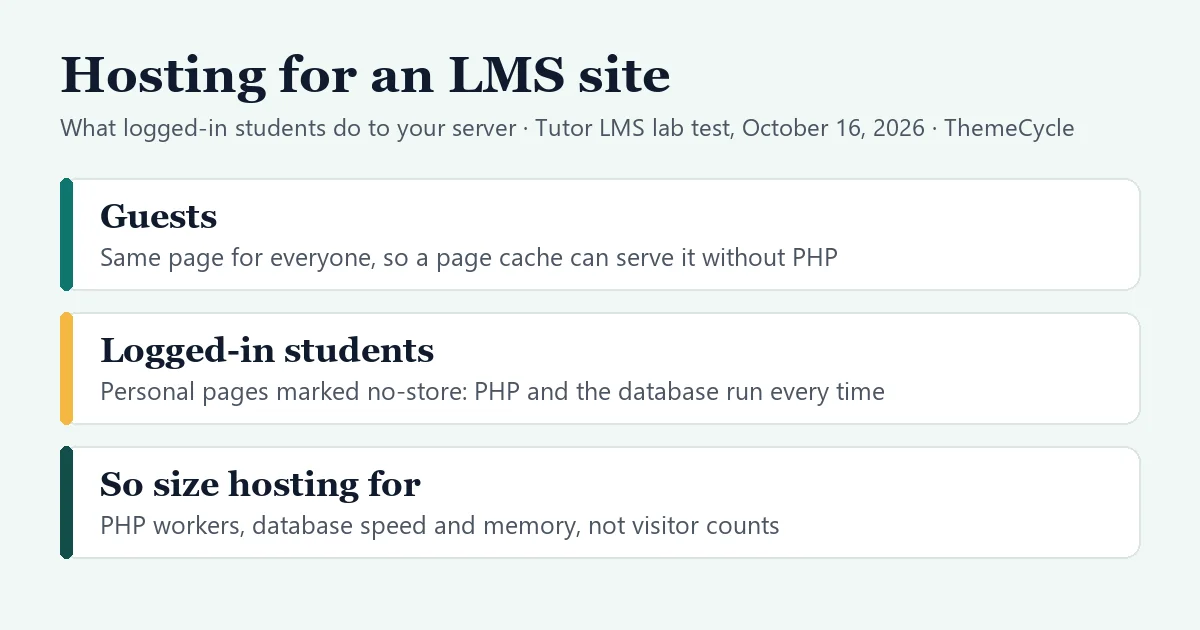
Hosting for a WordPress LMS site
Why logged-in students skip the page cache, what that does to your server, and what to ask a host before you buy.
Comparison
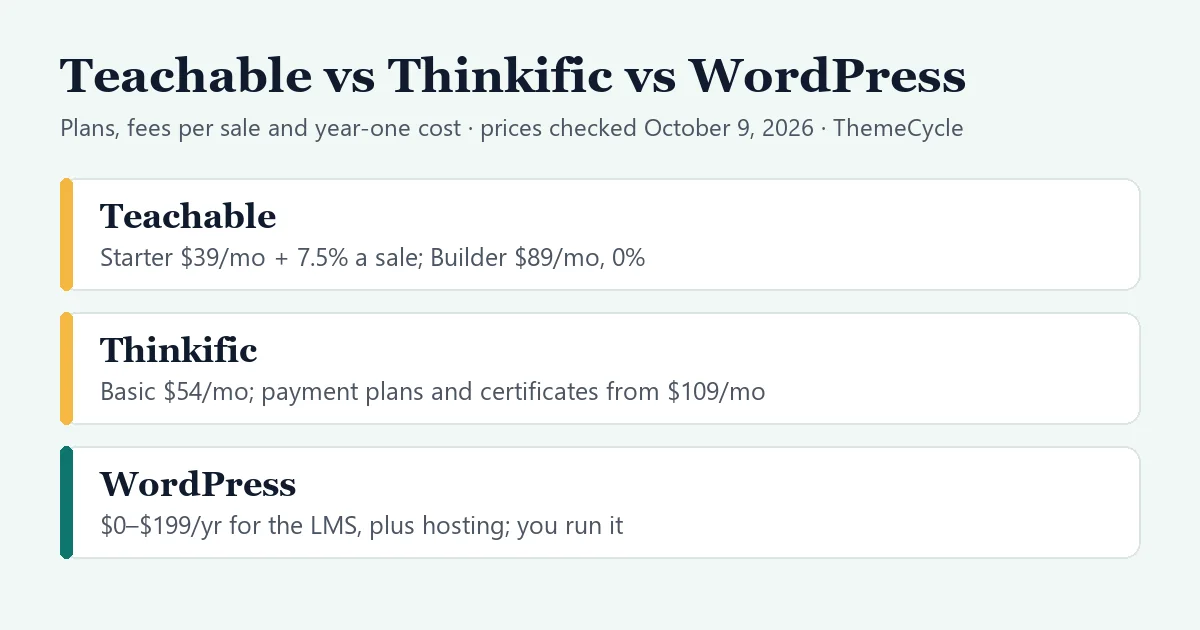
Teachable vs Thinkific vs WordPress
Plans, fees per sale, payment plans and what year one really costs on each, with prices checked October 9, 2026.
Comparison
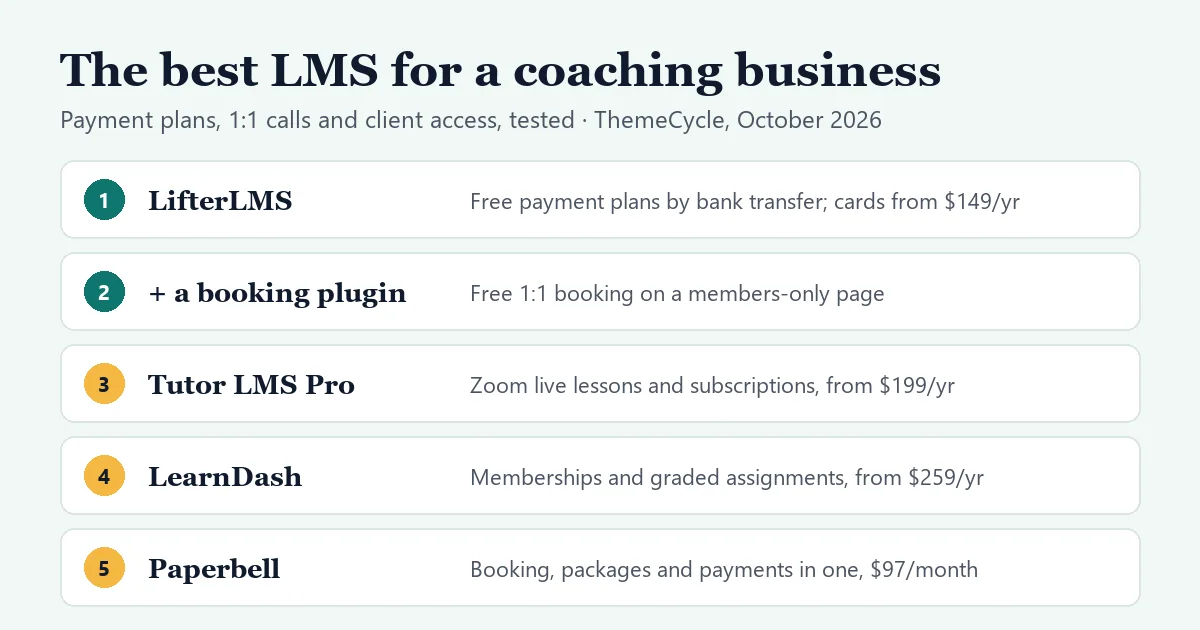
The best LMS for a coaching business
We sold a 12-week program in three payments and booked 1:1 calls on WordPress, then priced a year against Kajabi and Paperbell.
Comparison
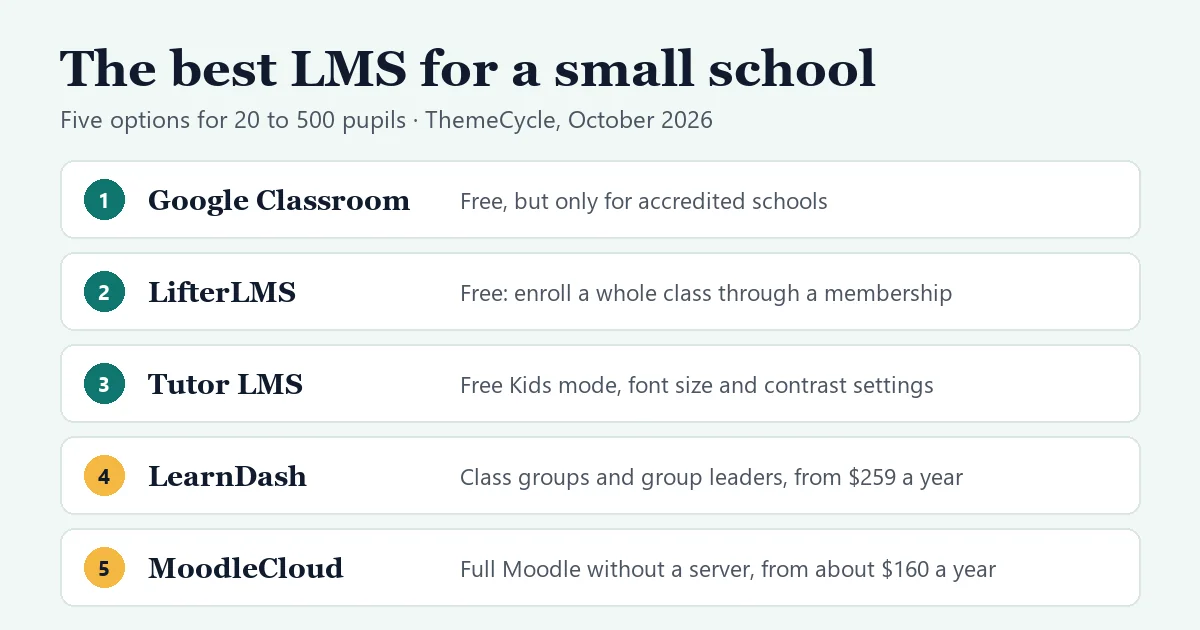
The best LMS for a small school
Year one for 100 pupils: $0 with Google Classroom (if accredited) or a free WordPress plugin plus hosting, about $270 MoodleCloud, $259–$399 LearnDash.
Guide
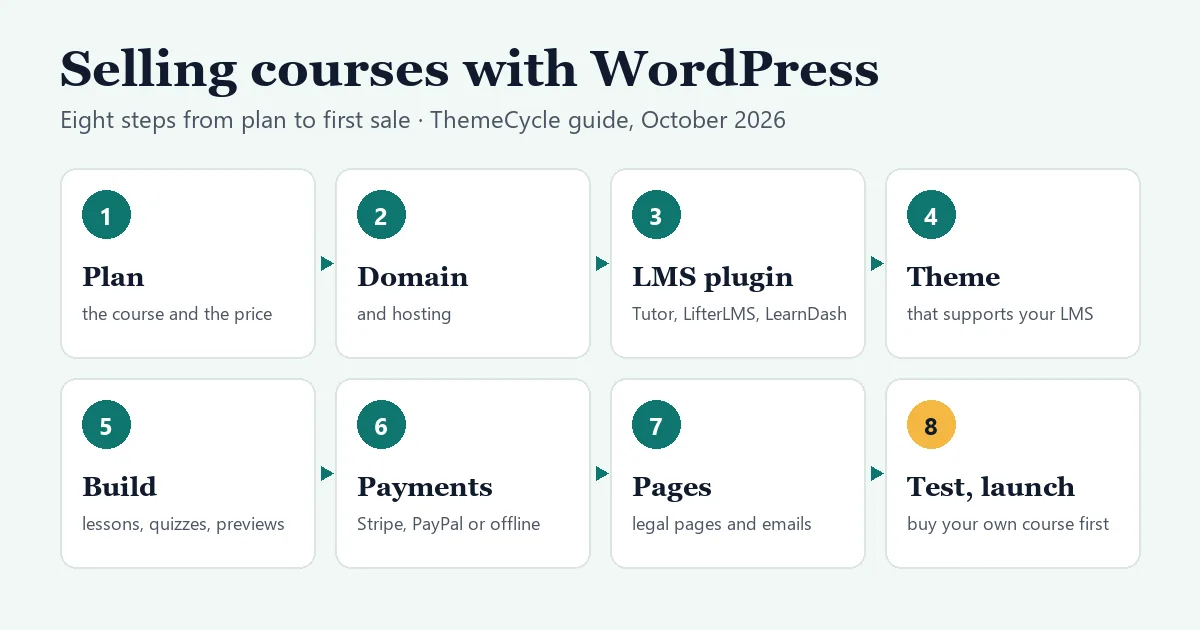
Sell courses with WordPress: the complete guide
From plan to first sale: the cheapest working setup (free Tutor LMS + WooCommerce + Stripe), year-one costs vs Teachable and Kajabi, and a launch checklist.
Guide
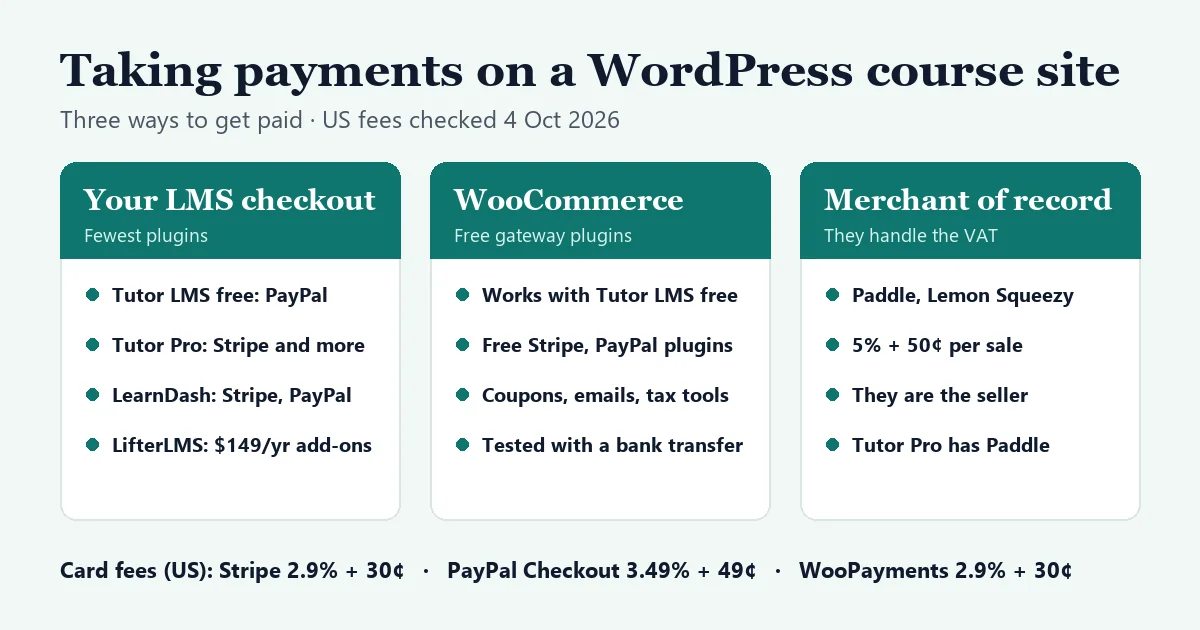
Stripe and PayPal for course sites
Three ways to get paid, what each LMS supports for free, the real fees, and a setup we tested step by step.
Comparison
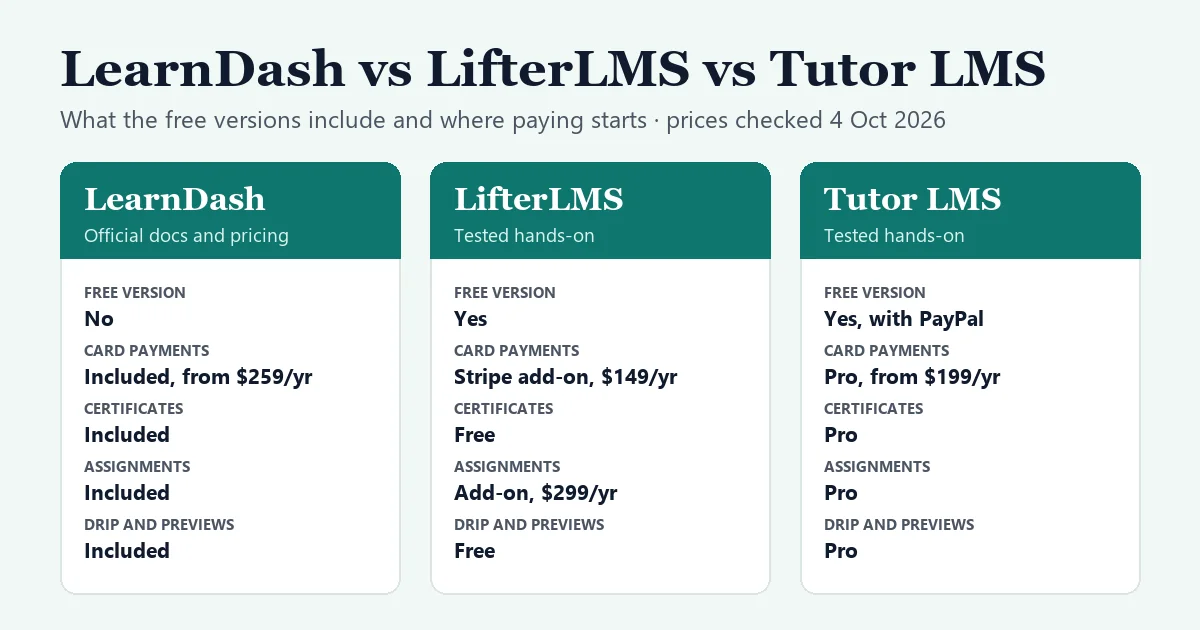
LearnDash vs LifterLMS vs Tutor LMS
What each one includes, what it really costs over three years, and which kind of course site it suits.
Hands-on review
LifterLMS review
Certificates, drip and free previews at no cost; every online payment gateway is a paid add-on.
Hands-on review
Tutor LMS review
Free vs Pro from our test build: PayPal checkout and a modern student area are free; certificates, drip and Stripe in Tutor’s checkout need Pro.
Start here
Guides for the decisions that are hard to undo.
Start here
How to sell online courses with WordPress
The eight steps from plan to first sale, what year one really costs next to Teachable and Kajabi, and a launch checklist.
Comparison
WordPress LMS plugins compared
LearnDash, LifterLMS, Tutor LMS, Sensei LMS, LearnPress and MasterStudy side by side, and which kind of site each one suits.
Themes
Themes for schools, colleges and courses
What to look for in an education theme, and maintained options that work with the major LMS plugins.
Migration
CoursePress Pro alternatives
CoursePress Pro has been retired. Where to move your courses, and a nine-step plan to migrate without losing students.
How we test
1
Install the free version
On a clean, private WordPress site with a default theme and no other plugins.
2
Build, buy and finish a course
A real paid course with lessons and a quiz, bought as a new student and completed, screenshots all the way.
3
Check prices and date them
Every price comes from the vendor’s own site on the day we publish, and the review says what we didn’t test.

Who’s behind ThemeCycle
ThemeCycle is written and edited by Anisur Rahman, who builds and runs WordPress content sites, and published by PPC Optimizer Pro LLC. Vendors don’t pay for our reviews. More about us
Looking for the old ThemeCycle theme shop?
ThemeCycle.com used to host a shop that sold education WordPress themes, with demos on demos.themecycle.com. That shop has closed, and this site is not connected to it: its themes, demos, downloads and updates are not available here. If your site still runs one of those themes, the education themes guide covers maintained replacements.